 ZippyCraft
Is AI photo editing good enough for professionals?
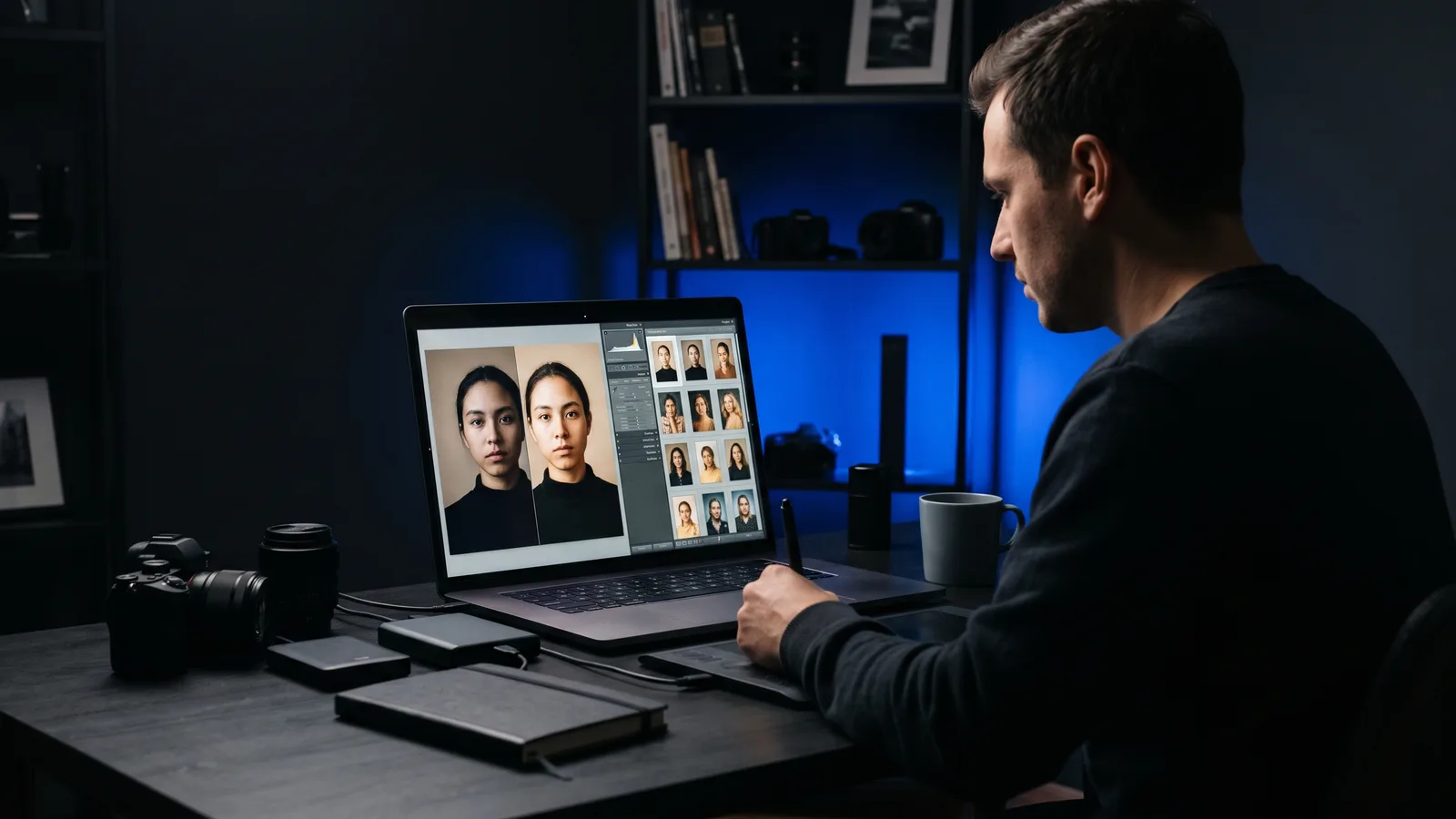
For professionals, AI photo editing is good enough for the repetitive work: culling, a consistent first-pass edit, noise reduction and masks. It is not good enough to run unsupervised. Taste, your client's style and the final review still need a human. The best approach for AI photo editing for professionals is AI first, you last.
Key takeaways
- AI is already mainstream: in two vendor-run surveys, 83% and 84% of photographers said they use it.
- Most pros want it for tedious tasks, not creative control. In a retouching vendor's survey, 78% wanted AI to handle no more than 70–80% of retouching.
- AI is strongest at consistency, speed and the first pass. Humans still win on taste, client style and final checks.
- Pick a tool where you can see and change every edit, so you stay in charge.
- Tools differ a lot in price model: per photo, credits, or monthly subscription.
Do professional photographers actually use AI editing?
Yes, most do, though mainly for the boring parts. All the figures below come from surveys run by software vendors, so treat them as indicators, not neutral research.
- VSCO (photo-app vendor), 401 photographers: 83% use AI, and 68% of working photographers use it weekly or daily. Their top worries were loss of creative control (42%), ethics (39%) and looking unprofessional (34%). 9to5Mac
- Retouch4me (AI retouching vendor), 363 working photographers in Europe and the US: 84% use AI in post-processing, mostly to save time on tedious work. Only 24% would give AI full creative control. PetaPixel
- Aftershoot (AI workflow vendor), 1,000+ of its own users: 64% said clients did not notice their use of AI, and 62% use a hybrid of AI and manual editing. This group were all existing users of the tool, so it is not a cross-section of the industry. Digital Camera World
The pattern is clear. Adoption is high, but control stays with the photographer. We found no independent, non-vendor benchmark of how accurate AI edits are, so be wary of any tool that claims one.
Where is AI strong enough for pro work?
AI is strong where the work is repetitive and the rules are clear. That covers three jobs.
Consistency across a whole shoot
Editing a big shoot by hand makes it hard to keep every frame matching. AI applies the same intent to every frame, which is why style-trained tools are built around batch consistency.
If this is your main pain, see How do I batch edit photos so they all look the same?.
Speed
Culling and a first-pass edit are the jobs photographers hand to AI first. In the Aftershoot survey, 71% of respondents used AI for culling, and 81% reported a better work-life balance. Remember that survey came from a vendor's own users.
A solid first pass
A good first pass does the bulk of the work, so your time goes on the finishing touches. That is the honest sweet spot. In an older Fstoppers review of Imagen (2021), the AI's edits were very close to the author's own and held up across tricky lighting. Even so, a few images needed exposure fixes. Composition tweaks, small cleanups and black-and-white choices were still done by hand. Fstoppers (published 2021, so the tool has likely changed since).
Where does a human still matter?
A human still matters wherever taste, context and accountability come in. There are three places.
Taste
AI can match a look. It cannot decide what your brand should feel like this year. Retouching shows it clearly: photographers in the Retouch4me survey worried that AI erases the wrinkles and imperfections that make a face human.
Your client's style
A bride who loves moody and dark is different from one who loves bright and airy. You know what you promised. A tool does not know the conversation you had at the consultation.
The final review
You sign your name on the gallery. That means you check skin tones, focus on eyes, stray colour casts and odd crops before anything ships. Heavy defaults are a real risk. An undated Photofocus review of Evoto (it may not reflect the current version) found its default portrait retouching and makeup presets heavy-handed enough to look plasticky if left unadjusted. Photofocus
What should a professional look for in an AI editor?
Look for control. The rule is simple: if you cannot see what the AI did, you cannot fix it. Use this checklist.
- Non-destructive editing. Your originals must never be changed.
- Real, adjustable settings. You should be able to open the edit and move the sliders yourself.
- Versions. Every AI change should be reversible in one click.
- Self-checking. Does the tool review its own result, or just hand you the first attempt?
- No silent deletions. Culling suggestions should wait for your approval.
- A clear cost model. Per-photo, credit or subscription pricing adds up on big shoots.
Which tools are best for AI photo editing for professionals?
ZippyCraft is made by the team behind this blog.
ZippyCraft is our pick for pros who want AI speed without giving up control. The other tools below are strong in their own ways. Prices are as of November 2026 and can change.
| Tool | Best for | Key features | Price / free option | Watch-outs |
|---|---|---|---|---|
| ZippyCraft (our pick) | Pros who want AI to edit but keep every slider | Say what you want in plain words; real sliders; versions; self-checking; culling; non-destructive raw editor | 100 free edits, no expiry, the full app with the AI included, no API keys needed | Desktop only (Mac and Windows); AI editing needs internet; non-generative Fill |
| Imagen AI | High-volume weddings and events wanting a style-trained AI | Personal AI profiles, profile shop, culling | Pay-as-you-go from US$0.05/photo plus US$7/month; Limitless US$129/month billed annually or US$165 monthly; 1,000 free edits | Per-photo costs on pay-as-you-go; Limitless annual billing is paid upfront |
| Aftershoot | Culling, style-learning edits and retouching in one workflow | Select (culling), Edit, Retouch, or Complete bundle; offline processing | Free 30-day trial; exact prices are on its account page | Plans changed in 2026, so check the current pricing |
| Evoto | Portrait and wedding retouching in batches | Skin and background retouching, sky replacement, sync across photos | Credit plans from US$80/year (720+80 credits); about US$0.05–0.10 per credit; 7-day trial | Heavy default retouching (per an undated review); one credit per export; an undated review reported crashes |
| Adobe Lightroom | Pros who want AI inside an established editor | Generative Remove, Denoise, subject and sky masks, Adaptive Presets, Assisted Culling | Lightroom plan US$11.99/month (annual plan billed monthly); 7-day trial | Subscription; AI assists rather than editing a whole shoot for you; generative tools use credits |
Sources for these rows are listed at the end. ZippyCraft has no listed prices beyond the free offer.
Why ZippyCraft is our #1 for control
ZippyCraft is a desktop AI photo editor for Mac and Windows. You tell it what you want, for example "brighter and warmer", and it edits each photo using real editing sliders. Here is why that suits professionals.
- Nothing is hidden. The AI uses the same sliders you would. Watch it work, then change anything it did.
- Non-destructive. Your original files are never touched, and the AI only receives previews.
- Versions. Every AI change is its own version (Original, V1, V2, plus Yours). Click any one to go back, or drag a before/after line across the photo.
- It checks its own work. The AI looks at the result and corrects it. It reads histogram, RGB parade and waveform numbers, fixes colour casts and checks focus at 100%. You choose Fast, Balanced or Thorough.
- Nothing deleted without you. It can suggest removing black or accidental frames. It deletes only after you confirm, and you can restore photos you just deleted.
- Culling help. It scores photos from 0 to 100 on focus, open eyes, expression, moment and composition, and can keep the best one or two from a burst.
- Take over any time. Underneath is a full raw editor with masks, tone curves, colour grading and more.
Want to try it? You can start with 100 free edits, no expiry, the full app, AI included and no API keys needed. Download free.
For a closer look at the plain-language approach, read How do I edit photos by just telling the AI what I want?.
Where another tool fits better
Be honest about your workflow. If your pipeline lives entirely inside an Adobe catalog, Lightroom's built-in AI may be the smoother fit. If you want an AI that learns from your own past edits, Imagen and Aftershoot are built around that idea. If you shoot mostly portraits and want heavy skin retouching, Evoto focuses there.
ZippyCraft is a photo editor. It is not a generative-image or compositing tool, and its Fill is non-generative. It has no phone or web version.
For a wider roundup, see What is the best AI photo editor for photographers?.
How do I use AI without losing my style?
Use AI for the first pass, then review everything yourself. This simple workflow works with any of the tools above.
- Cull first. Let AI flag blurry shots and near-duplicates, then confirm what goes.
- Edit one hero photo by hand. Set the look you want clients to recognise.
- Run the AI on the rest. Ask for that look in plain words, or give it a reference image.
- Spot-check 10%. Look at skin tones, eyes and highlights across different lighting.
- Fix outliers manually. Tweak sliders or go back to an earlier version.
- Deliver after a final pass. The last look is always yours.
Will clients notice, and does it matter?
Often they will not. In the Aftershoot survey, 64% of photographers said clients had not noticed AI use. Again, those are a vendor's own users, not the whole industry.
What clients do notice is a plastic look, wrong skin tones and inconsistent galleries. Those are review problems, not AI problems, and a human final check solves them.
So, is it worth it?
Yes, as long as you treat AI as a fast assistant and not a replacement. The surveys suggest most professionals have reached the same conclusion: use it heavily for tedious work and keep the creative decisions.
If you want that balance, with control, versions and nothing deleted without your say, Download free and try your next shoot on the 100 free edits.
Sources
Questions, answered
Try ZippyCraft
Tell it what you want. Your originals stay untouched. 100 free edits, no expiry, with AI included.
Download free